
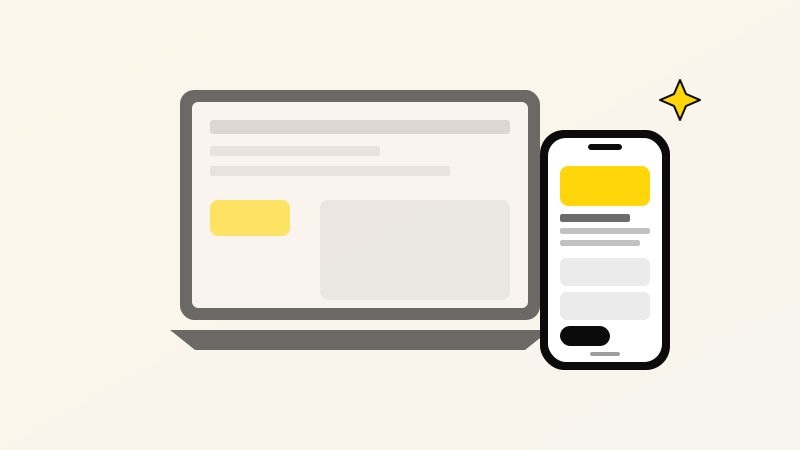
Across our client base in Kashmir, India, and Middle East tourism markets, phone traffic consistently hits 72 to 85 percent. Yet most websites are still designed on a 27-inch monitor first, with the phone layout treated as an afterthought.
What mobile-first actually means
It is not shrinking a desktop design to phone width. It means designing the phone layout first — assuming a 375-pixel screen, one thumb, and a bad 4G connection — and then expanding outward for tablet and desktop. Every element must earn its place on the small screen before it appears on the big one.
Why it changes everything
- Load time matters more. A 3MB hero image doesn't hurt on fibre desktop; it kills on 4G in Sopore. Mobile-first forces ruthless image optimization.
- Content hierarchy tightens. No more "above the fold" with 5 sections competing — one headline, one value prop, one CTA. Phones make you pick.
- Forms get shorter. A 12-field form is a nightmare on a phone keyboard. Forcing the phone view surfaces every friction point before it goes live.
- Navigation gets honest. If you can't fit your menu in a phone screen, you have too many pages. Most visitors only ever use three.
The Kashmir context
Buyers here are overwhelmingly phone-first. Wedding inquiries, houseboat bookings, tour quotes, handicraft orders — almost all start on a WhatsApp conversation that was triggered by a phone search. Your site is often one tab of five a buyer has open, with three seconds to convince them.
A quick audit you can do right now
Open your site on your phone. Can you:
- Find your phone number without scrolling?
- Tap the main CTA with one thumb, without zooming?
- Read the headline without squinting?
- Load the page before the 4G indicator blinks?
If any answer is no, mobile-first is the missing piece.